 AndroidLive
Spieglein for Android.
Your phone becomes the sender.
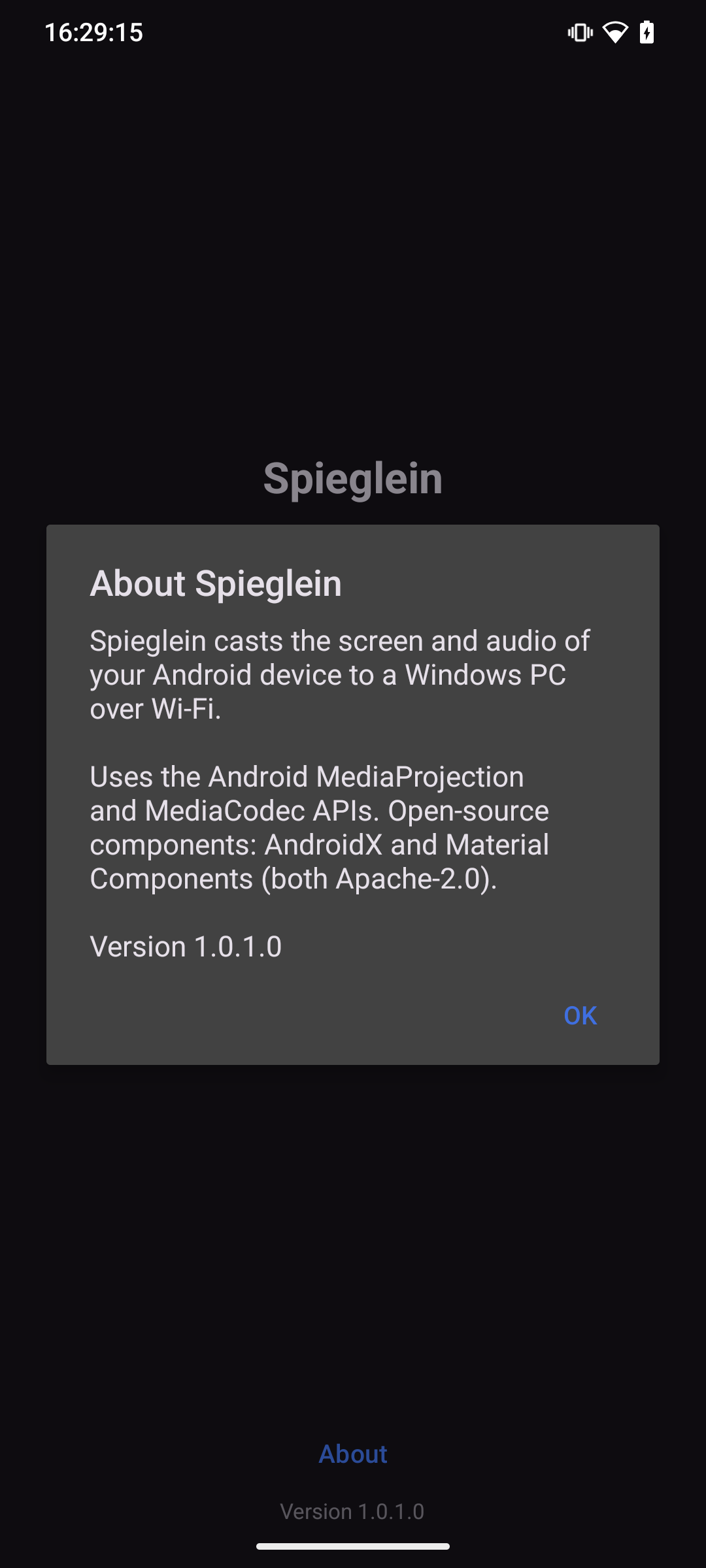
Captures the screen and sound of your Android device and sends them over Wi-Fi to your Windows PC, where Spieglein (Android) receives them.
- Runs on
- Android
- Sends to
- Windows PC (Spieglein (Android))
- Transfers
- Picture and sound
- Connection
- Local Wi-Fi
What Spieglein for Android can do
Picture and sound
Transfers not just the screen but the sound as well.
The matching receiver
Shows everything on your Windows PC — with Spieglein (Android).
Local Wi-Fi
No cloud in between — your data stays with you.
Screenshots
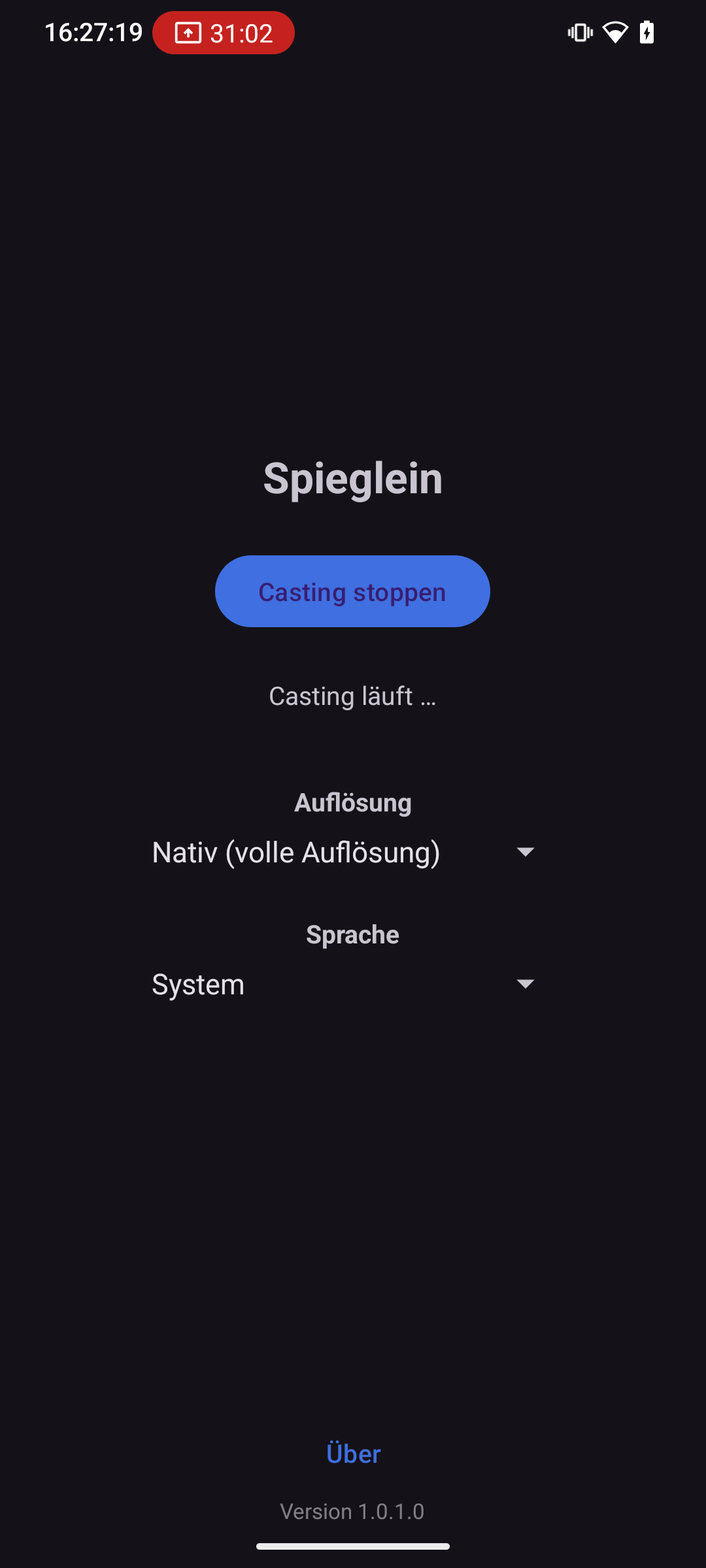
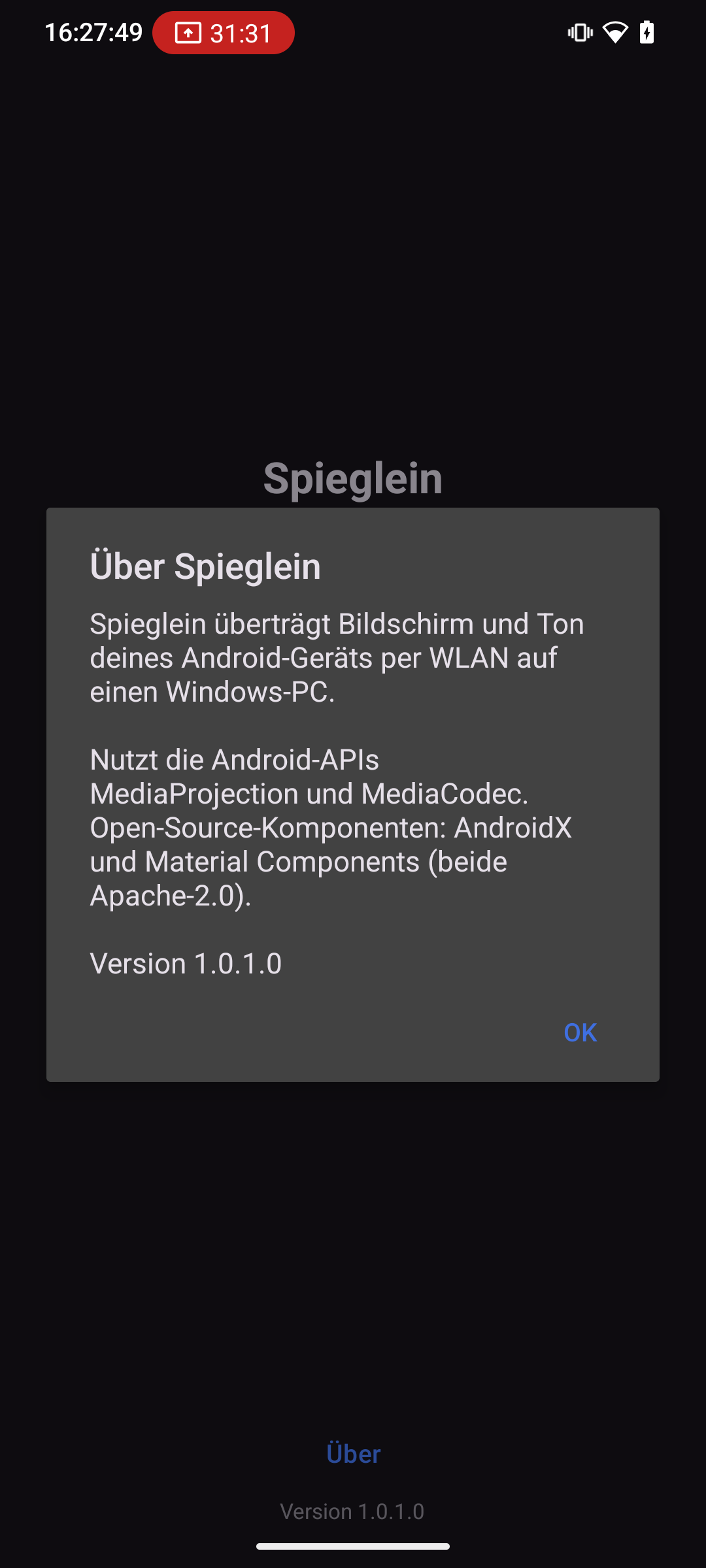
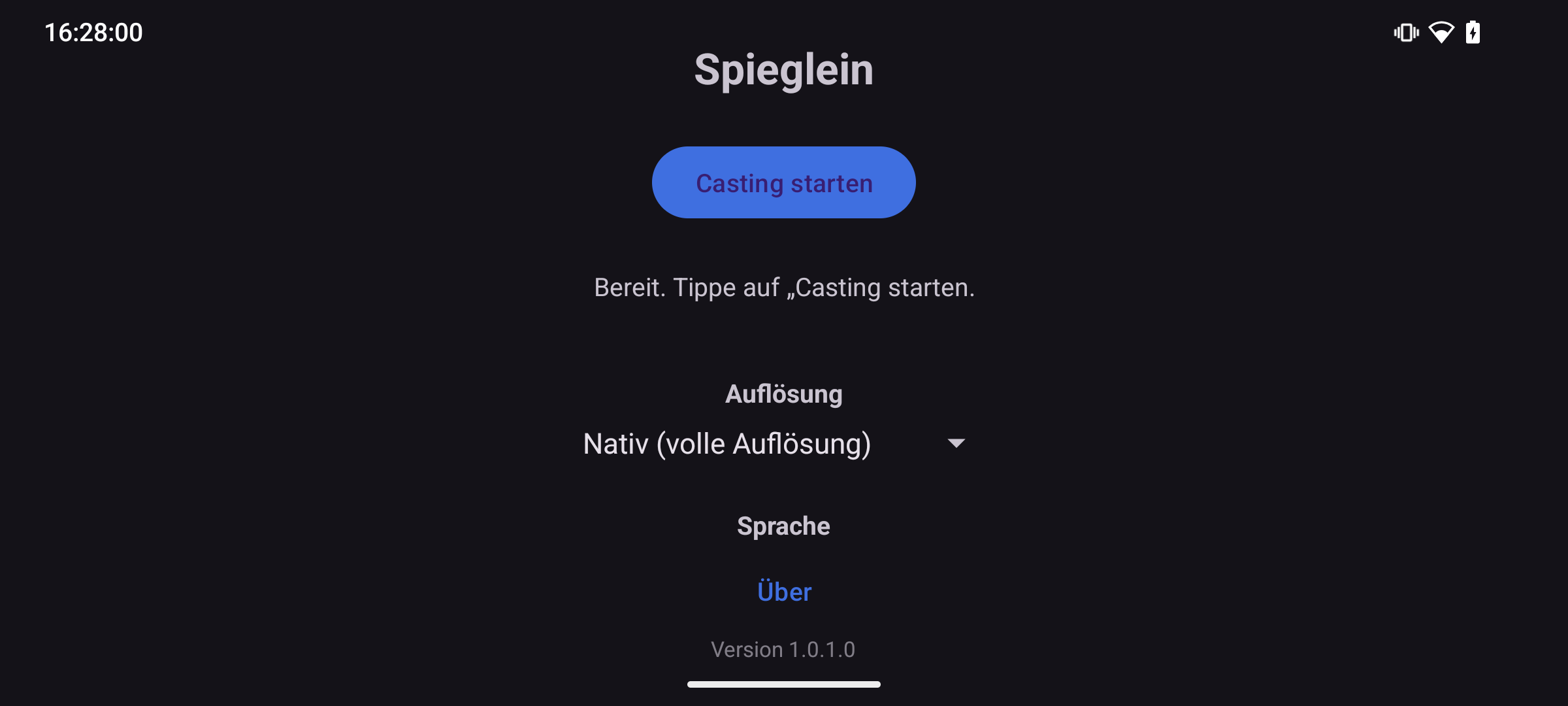
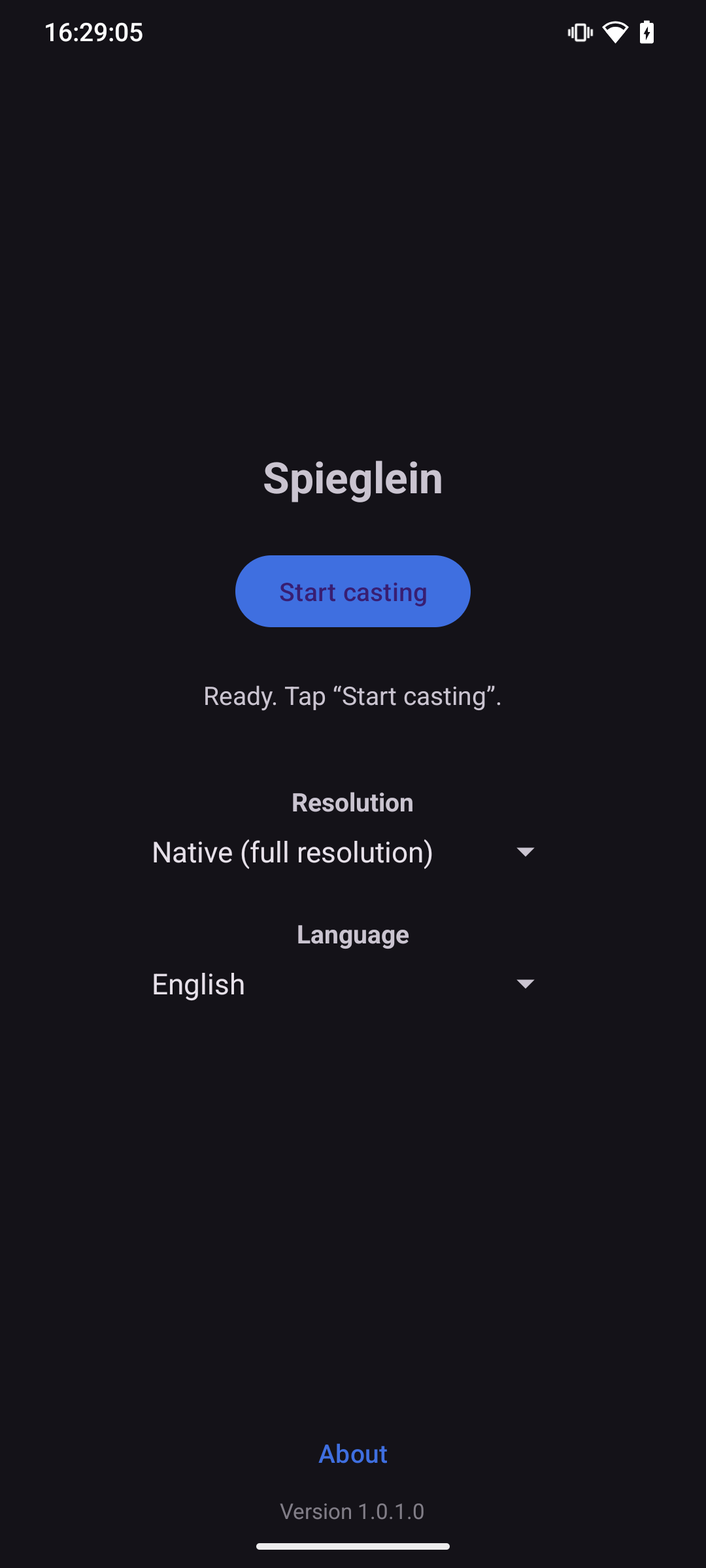
Ready in 3 steps
- Start Spieglein (Android) on your PC.
- Open Spieglein for Android.
- Choose your PC — off you go.
FAQ
Does this go through the cloud?
No. The transfer runs directly over your Wi-Fi, between your own devices.
Which receiver do I need?
Spieglein (Android) on a Windows PC, from the Microsoft Store. The app does not send to a TV.